
Navigating in Metoda world
Know how to navigate in Metoda world and use PriceAPI
Getting Started with Metoda Price API
Welcome to Metoda! This guide walks you through setting up your account and accessing the Price API dashboard.
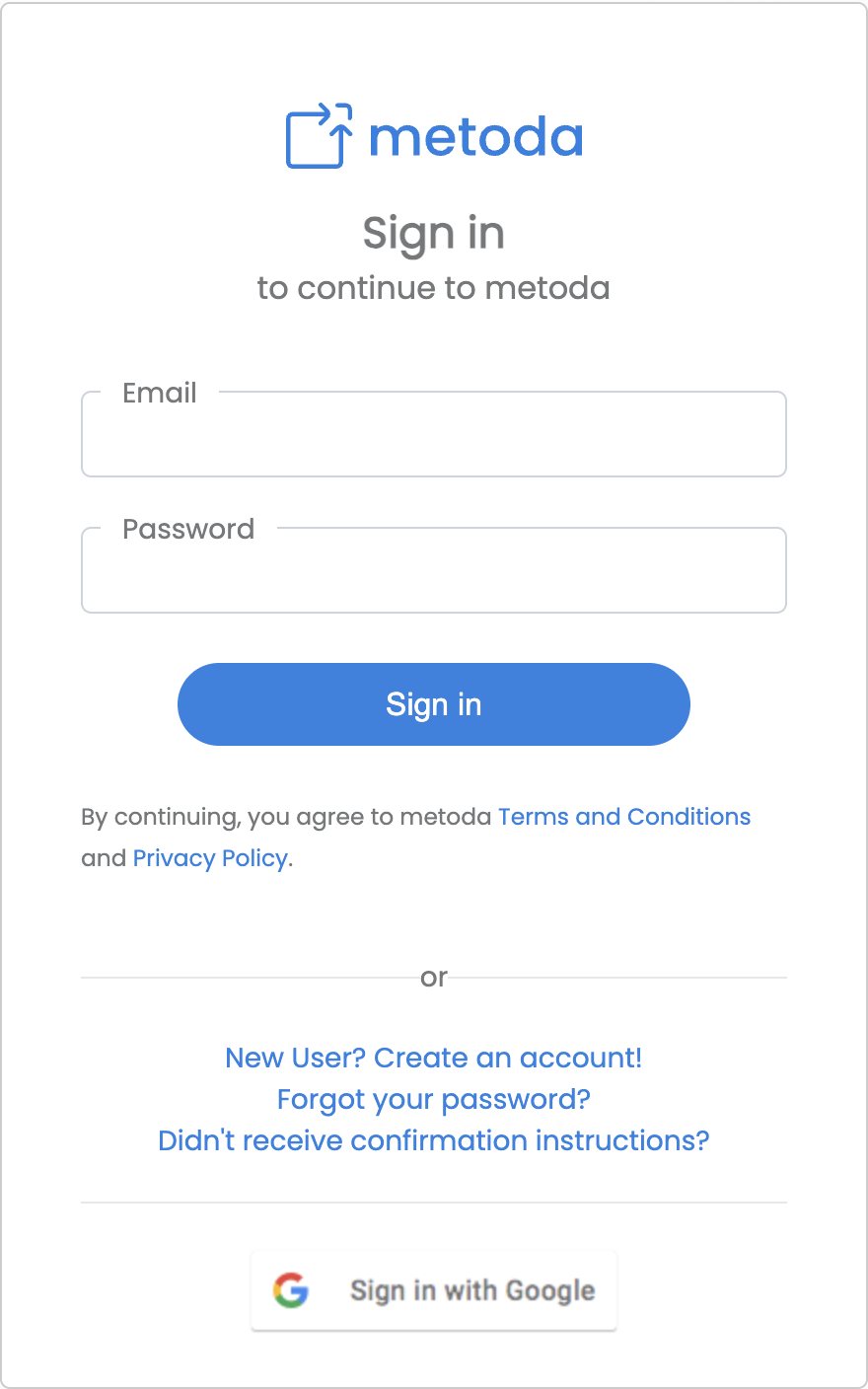
Step 1: Sign in or create an account
Go to the metoda login page and sign in with your email and password, or use Sign in with Google for a quicker setup.
If you're new, click New User? Create an account! to register.
Already have an account? You can sign in directly and skip to Step 2.
Step 2: Create a workspace
Once signed in, you'll need a workspace to organize your work.
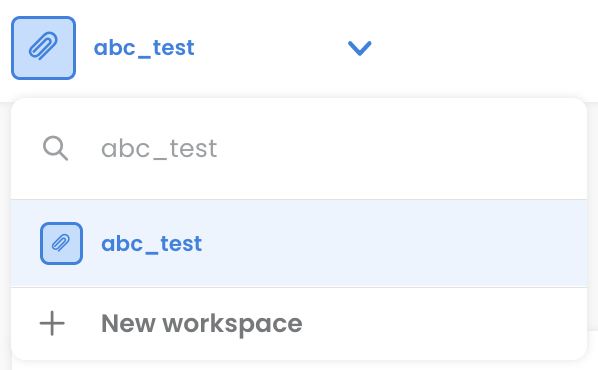
- Click the workspace switcher at the top of the page (shows your current workspace name)
- Select
+ New workspacefrom the dropdown
- Fill in a workspace name and optional description
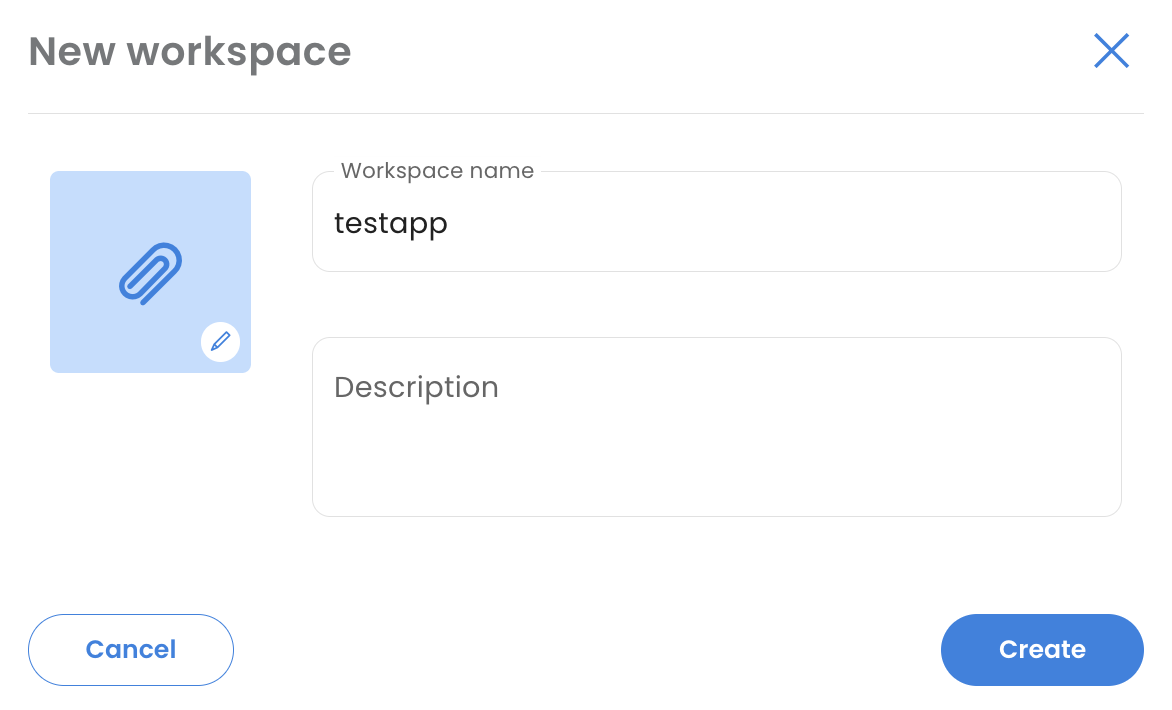
- Click
Create
Your new workspace is now active and ready to use.
Step 3: Access Price API
From the Metoda home screen:
- Find the Price API tile at the bottom and click
Start for Free
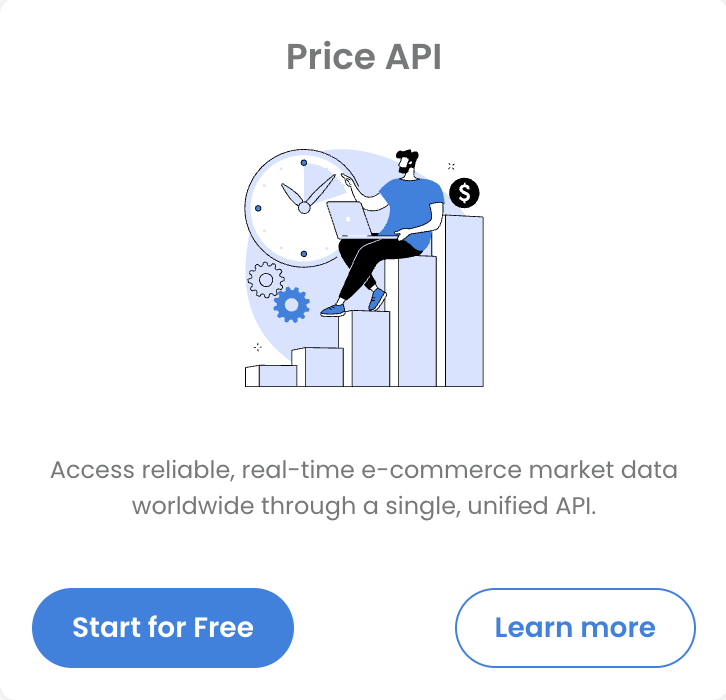
You'll land on your Price API dashboard
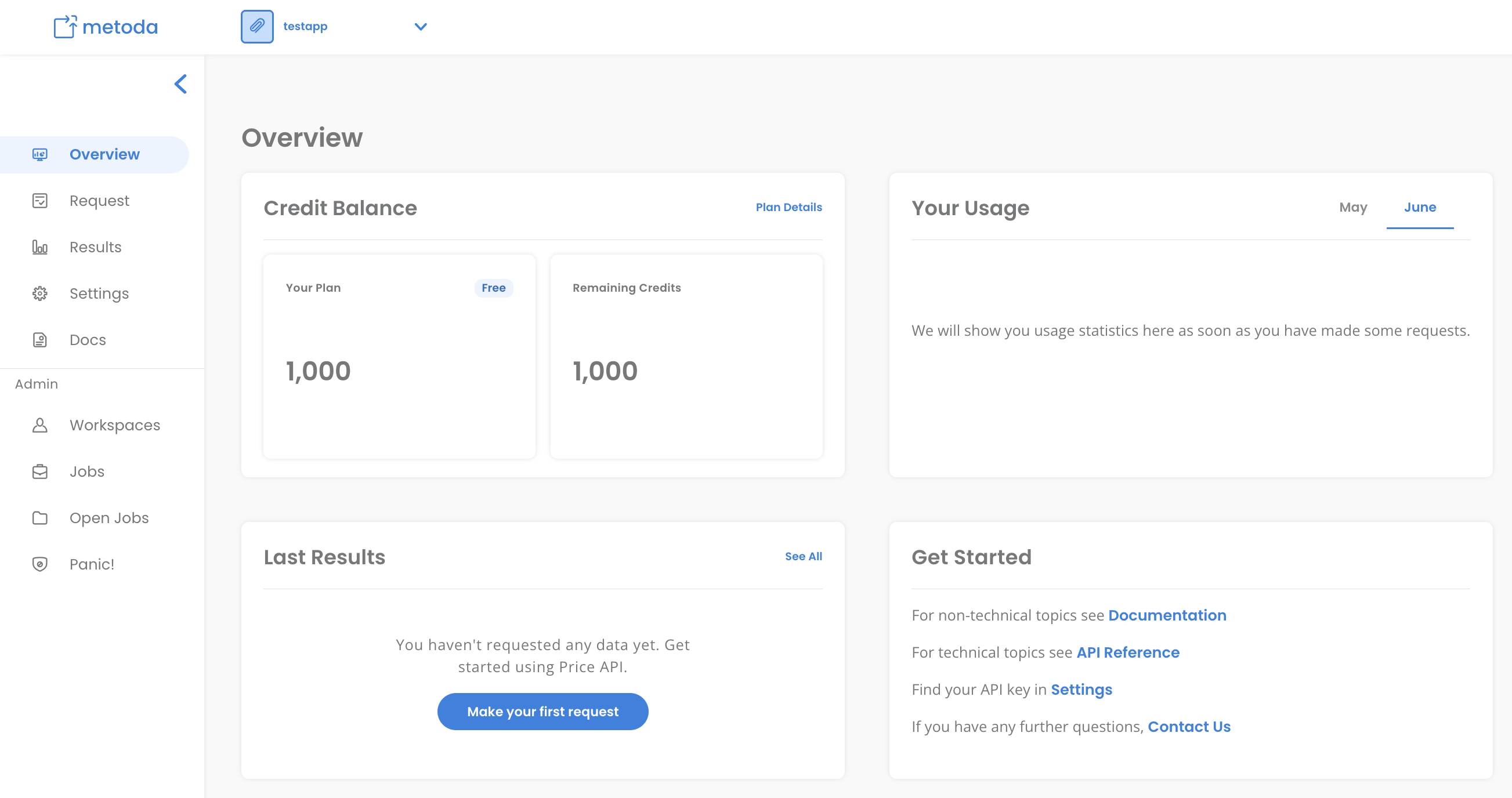
Here you can:
- Request sources: make data requests using
Make your first request - Overview: see an overview of your credit balance and remaining credits
- Results: review the output of your previous requests
Updated 4 months ago
What’s Next
Did this page help you?